
We’re excited to introduce our new customer portal, making it easier than ever to manage your Big Dan’s membership.
Below you will find instructions on how to set up your account. After reading the information below, please CLICK HERE for our homepage and begin setting up your account.
Once you create your account, you’ll be able to log in quickly and conveniently anytime you need to manage your membership.
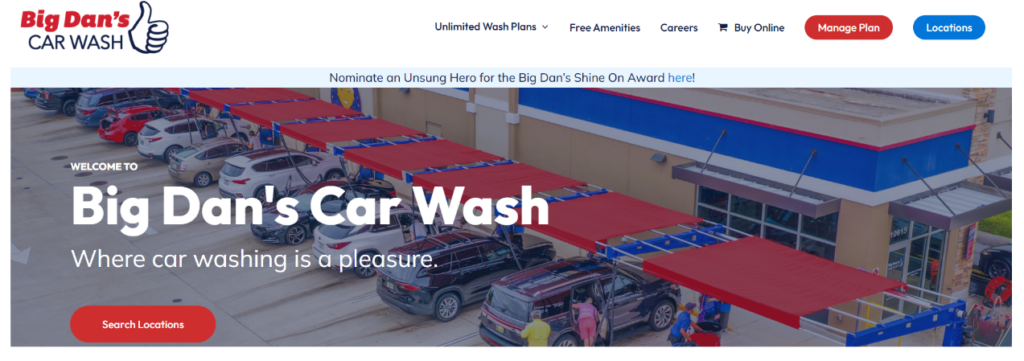
- From our homepage, select MANAGE PLAN in the upper right-hand corner.
- Next, select CREATE ACCOUNT.
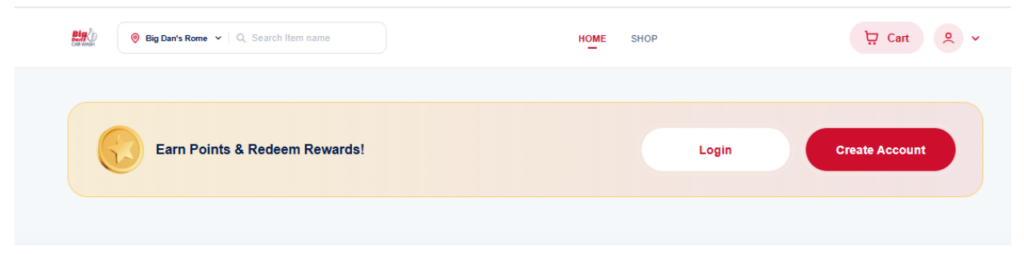
- Complete the requested information and then you are ready to manage your account online as needed. Please have your license plate information available to complete your account set up.
- If you have any issues, please email support@bigdanscarwash.com or call 229-354-6359 and a customer service agent will assist you.